
Selling tickets online takes the guesswork out of putting on an event. You know how many people are coming, the money comes in before the night, and nobody has to stand at the door with a cash tin and a float. This guide walks you through it step by step, from setting up your event page to checking people in on the night.
Why sell tickets online instead of on the door?
Cash on the door still has its place, but selling in advance has some big advantages for organisers:
- You know your numbers. Advance sales tell you whether to book extra staff, order more stock or push your promotion harder.
- People commit. Someone who has paid for a ticket is far more likely to turn up than someone who said "maybe" on a social post.
- Less cash handling. Fewer floats, fewer trips to the bank and less to keep an eye on during a busy night.
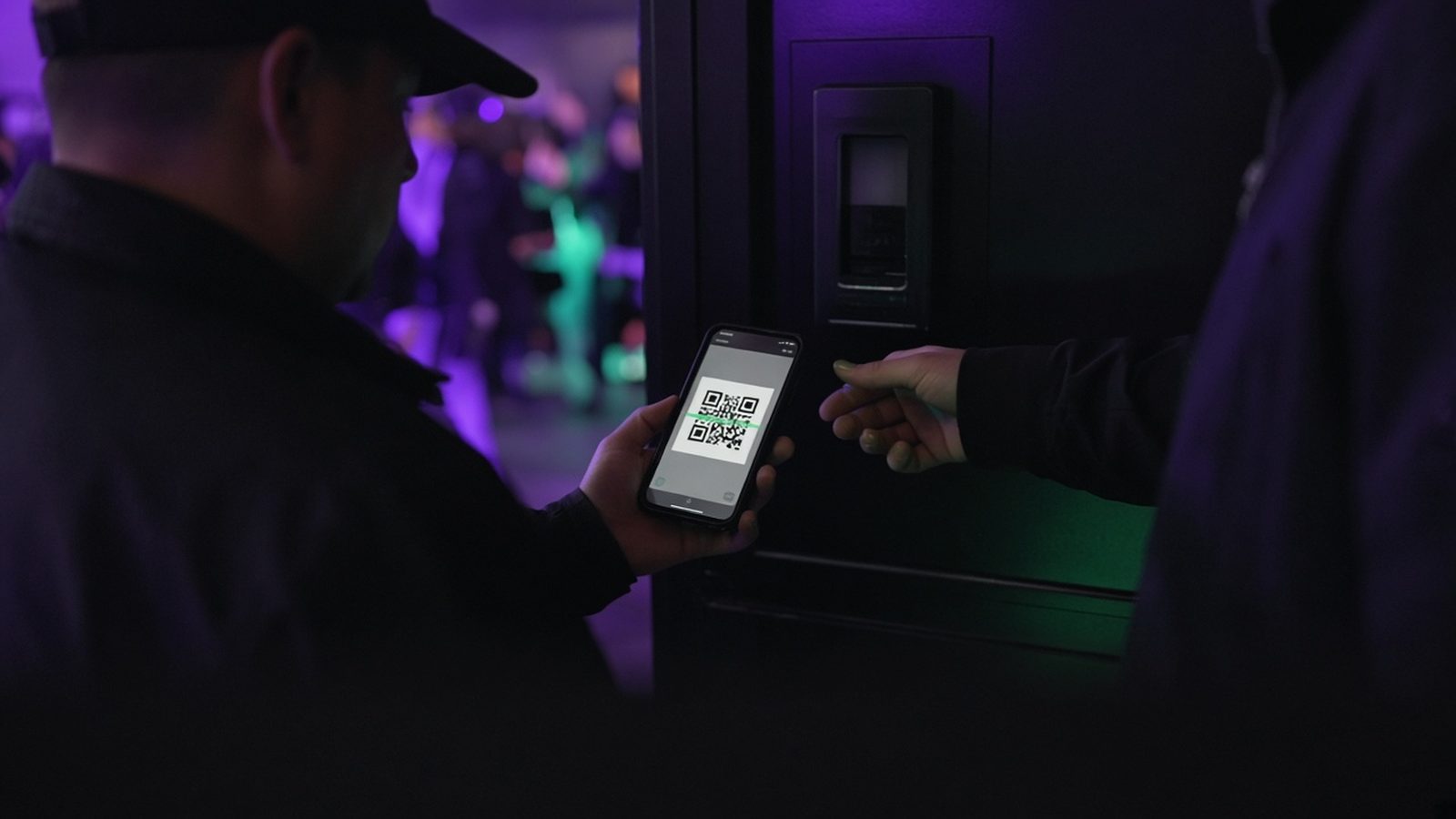
- Faster entry. Checking a QR code is quicker than taking payment and giving change at the door.
You can still keep a few tickets back for the door if that suits your crowd. Selling online doesn't have to be all or nothing.
1. Get your event details sorted first
Before you create a listing, pin down the basics. Changing them after people have bought tickets causes confusion, so it's worth getting them right first time.
- Name: clear and searchable. "Comedy Night at The Red Lion" beats a clever pun nobody will type into a search bar.
- Date, start time and finish time: include when doors open if it's different from the start.
- Venue: the full address and postcode so people can find it on a map.
- Capacity: the maximum number of tickets you can sell, including anything you're keeping back for guests or the door.
- Age limits: say clearly if it's 18+, or whether under-18s need to be with an adult.
2. Choose your ticket types and prices
Keep it simple. One or two ticket types are easier to understand than six. Common set-ups include:
- A single standard ticket for everyone.
- An early-bird price for the first few weeks or the first batch, then a standard price.
- Adult and child tickets for family events.
- A group or table ticket for quiz nights and party nights.
If you're not sure what to charge, our guide on how to price event tickets walks through it.
3. Write a description that answers questions
Your event description has two jobs: make people want to come, and answer the questions that would otherwise stop them buying. A good structure is:
- One or two sentences on what the night is and why it's good.
- What's included: acts, food, a welcome drink, prizes.
- Practical details: dress code, accessibility, parking, nearest station, age limit.
- What happens if they can't come. Link to the refund policy so people know where they stand.
Write it like you'd explain it to a friend. Short paragraphs and bullet points are easier to read on a phone, which is where most people will see it.
4. Use a good image
The image is what people notice first when your event is shared. Use a clear, bright photo or poster that works as a small thumbnail. Avoid cramming every detail into the image itself; the date and price will be on the page anyway. If you've run the event before, a real photo of a busy room is hard to beat.
5. List your event on a ticketing site
Pick a ticket site that's simple for you and for your buyers. Things worth checking:
- What it costs you. On TickTap, it's free to list your event and organisers keep 100% of the ticket price. Buyers pay a small booking fee on top, which is shown before they pay. Free events pay no fee at all.
- How easy checkout is. Every extra step loses buyers. With TickTap, buyers don't need an account or a password.
- How tickets are delivered. Buyers should get their ticket straight away, with a QR code that can be checked at the door.
- When you get paid. On TickTap, buyer money is held in a separate account and paid out to you after the event.
You can list your event free on TickTap in a few minutes, and read more on the organisers page.
6. Share one ticket link everywhere
Once your event is live, you'll have a single link to the event page. Use that same link everywhere:
- Your Facebook event and page posts (see how to promote an event on Facebook).
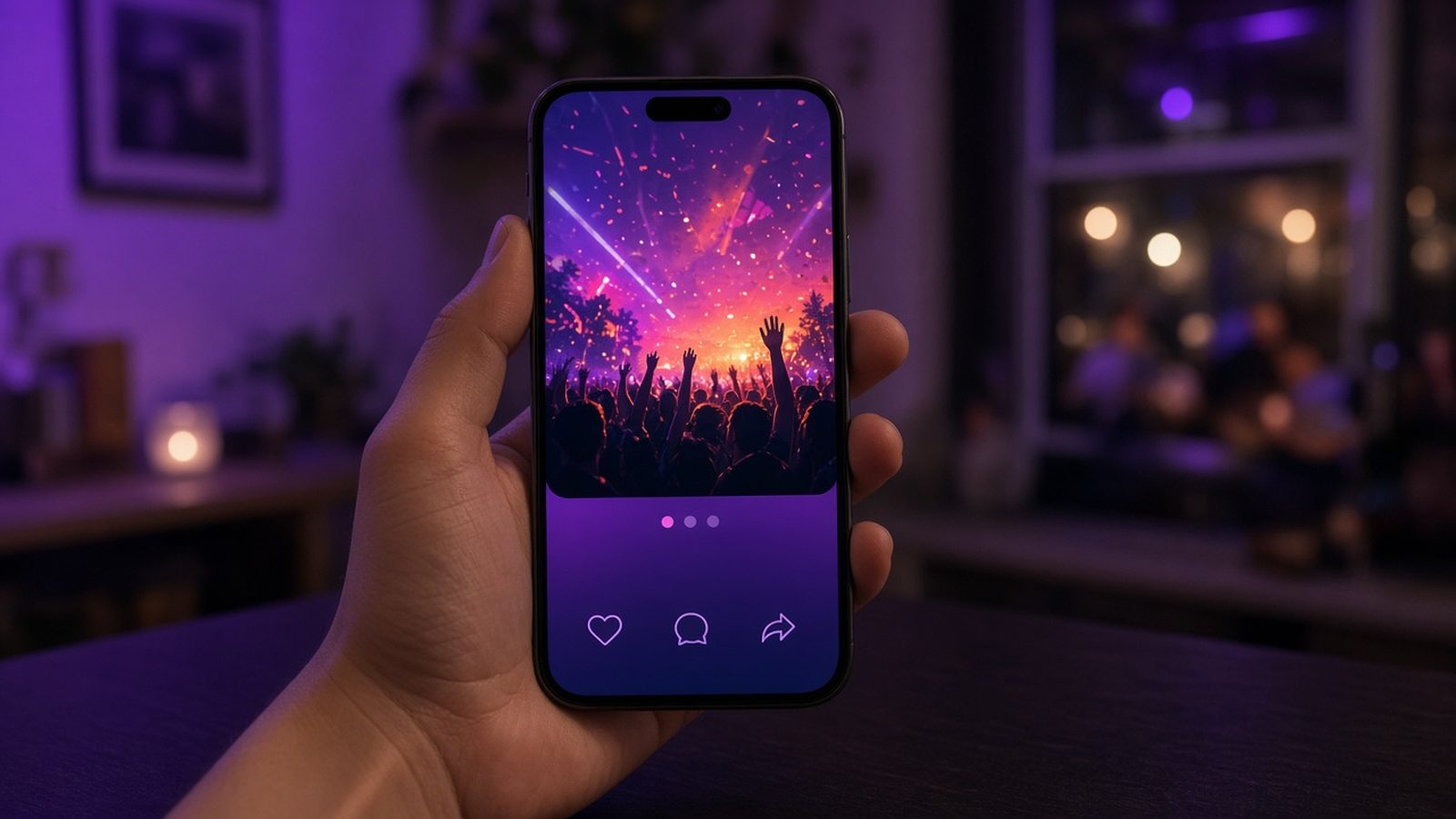
- Your Instagram bio and stories.
- Group chats, email newsletters and your website.
- A QR code on posters and flyers, so people can scan and buy on the spot.
One link means one place to keep up to date, and no confusion about where to buy.
7. Keep promoting until the night
Most events don't sell out on the day they go on sale. Plan a few reasons to post again: an act announcement, a "half sold" update (only if it's true), a behind-the-scenes photo, a final reminder the day before. Our event organiser's checklist has a full timeline you can follow.
8. Check people in on the night
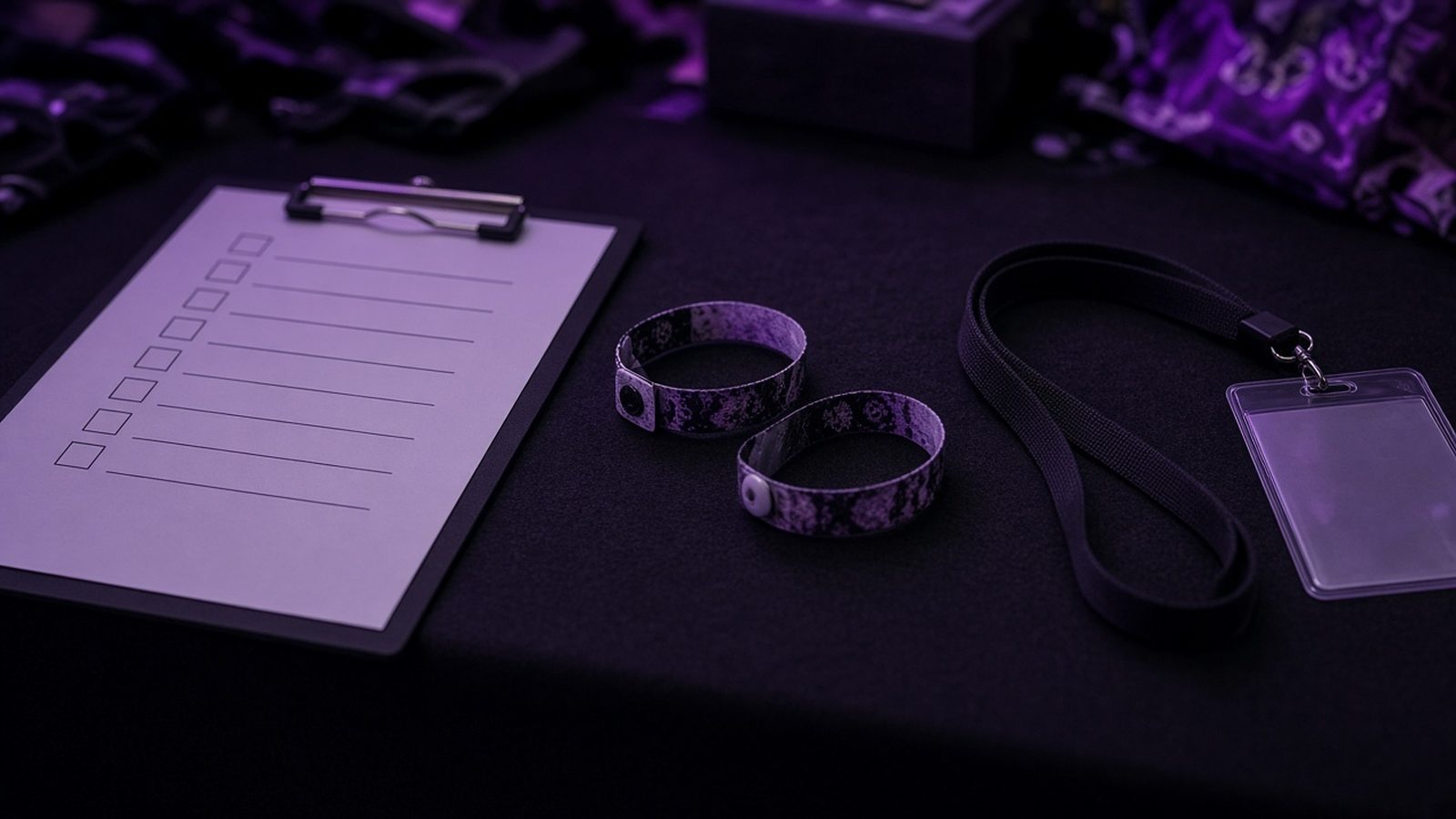
Every TickTap ticket has its own QR code, and each one can only be scanned once, which stops screenshots being passed around and used twice. Have your guest list ready as a backup, and put someone friendly on the door who can help anyone who can't find their ticket. Buyers can always get their ticket again using find my ticket.
9. After the event
Don't stop when the lights come on. Within a day or two:
- Thank everyone who came, and post a few photos.
- Ask for reviews, so your next event has social proof.
- Note what sold well, when sales came in and what you'd change.
- Announce the next date while people are still talking about this one.
Quick checklist
- Date, times, venue and capacity confirmed
- Ticket types and prices decided
- Description answers the obvious questions
- Clear image that works as a thumbnail
- Event listed and the ticket link tested
- Link shared on every channel, plus a QR code on posters
- Door plan and a backup guest list for the night
Frequently asked questions
Do I need a website to sell tickets online?
No. A ticket site gives you an event page and a ticket link you can share on social media, in group chats and on posters, so you don't need your own website.
How much does it cost to sell tickets on TickTap?
It's free to list your event and organisers keep 100% of the ticket price. Buyers pay a small booking fee on top, shown before they pay. Free events pay no fee at all.
Do buyers need an account to buy tickets on TickTap?
No. Buyers don't need an account or a password. They get their ticket with a QR code straight away.
When do I get the money from ticket sales on TickTap?
Buyer money is held in a separate account and paid out to you after the event.
Can I still sell some tickets on the door?
Yes. Many organisers keep a few tickets back for the door. Just make sure your online capacity leaves room for them.