
However experienced you are, it's easy to forget something when you're putting on an event. A good checklist takes the pressure off. This one covers the whole journey, from the first idea to the thank-you post afterwards, and works for gigs, quizzes, comedy nights, club nights, parties and community events anywhere in the UK. Copy it, adapt it and reuse it.
Before you start: decide who does what
If you're working with other people, the most useful thing you can do before anything else is agree who owns each job. One person in charge of tickets and the door, one in charge of acts and the running order, one in charge of promotion, and so on. When everyone knows their job, things stop falling through the gaps, and you avoid two people doing the same task while a third one gets missed. Write the names next to each section of this checklist and share it with the team.
The timings below assume you have about six weeks. If you have longer, great: spread the promotion out. If you have less, do the same steps closer together, and focus first on getting tickets on sale and the link shared.
Six weeks or more before
The basics
- Event idea, audience and format decided
- Date and times confirmed, checking for clashes with other big local events
- Venue booked, with the deal agreed in writing
- Capacity confirmed with the venue
- Licence checked for your hours and activities
- Age limits decided
People
- Acts, DJs, host or speakers booked, with fees and set times agreed in writing
- Staff and volunteers lined up: door, bar, tech, set-up and pack-down
- Security booked if the venue or licence needs it
- Suppliers booked: sound, lighting, food, decorations
Money
- All costs listed and a budget set
- Break-even point worked out
- Ticket types and prices decided (see how to price event tickets)
- Insurance checked, if you need your own
Four to six weeks before
Tickets
- Event description written: what, when, where, how much and what's included
- Accessibility, parking and transport information added
- Image or poster ready, and checked as a small thumbnail
- Event listed and tickets on sale (on TickTap it's free to list and you keep 100% of the ticket price)
- Test the ticket link yourself on a phone
Promotion
- Facebook event created, with the venue and performers as co-hosts (see how to promote an event on Facebook)
- Instagram and other social posts planned
- Posters and flyers printed, each with a QR code to the ticket page
- Performers, venue and partners sent the link and artwork
- Local listings and community groups contacted
Two to three weeks before
- Check ticket sales against your break-even number
- If sales are slow, step up promotion before thinking about discounts
- Post a new announcement: an act, a prize, a behind-the-scenes photo
- Confirm details with every act and supplier
- Plan the running order with times
- Collect any pre-orders or dietary requirements
The week before
- Reconfirm everyone: acts, staff, venue and suppliers
- Share a contact list with phone numbers for everyone involved on the night
- Print the running order and a buyer list as a backup
- Post practical info: times, parking, what to bring, age limits
- Charge phones, power banks and any card readers
- Pack a kit bag: tape, cable ties, pens, scissors, extension leads, a first aid kit, bin bags
The day before
- Post a "tomorrow" reminder with the ticket link
- Check the weather if anything is outdoors, and have a plan B
- Confirm access and set-up times with the venue
- Get a good night's sleep
On the night
Set-up
- Arrive early with plenty of time to spare
- Check fire exits are clear and you know where they are
- Sound check and lighting check
- Set up the room: seating, tables, signs, decorations
- Brief staff and volunteers: roles, timings, who to go to with problems
Door
- Door open on time
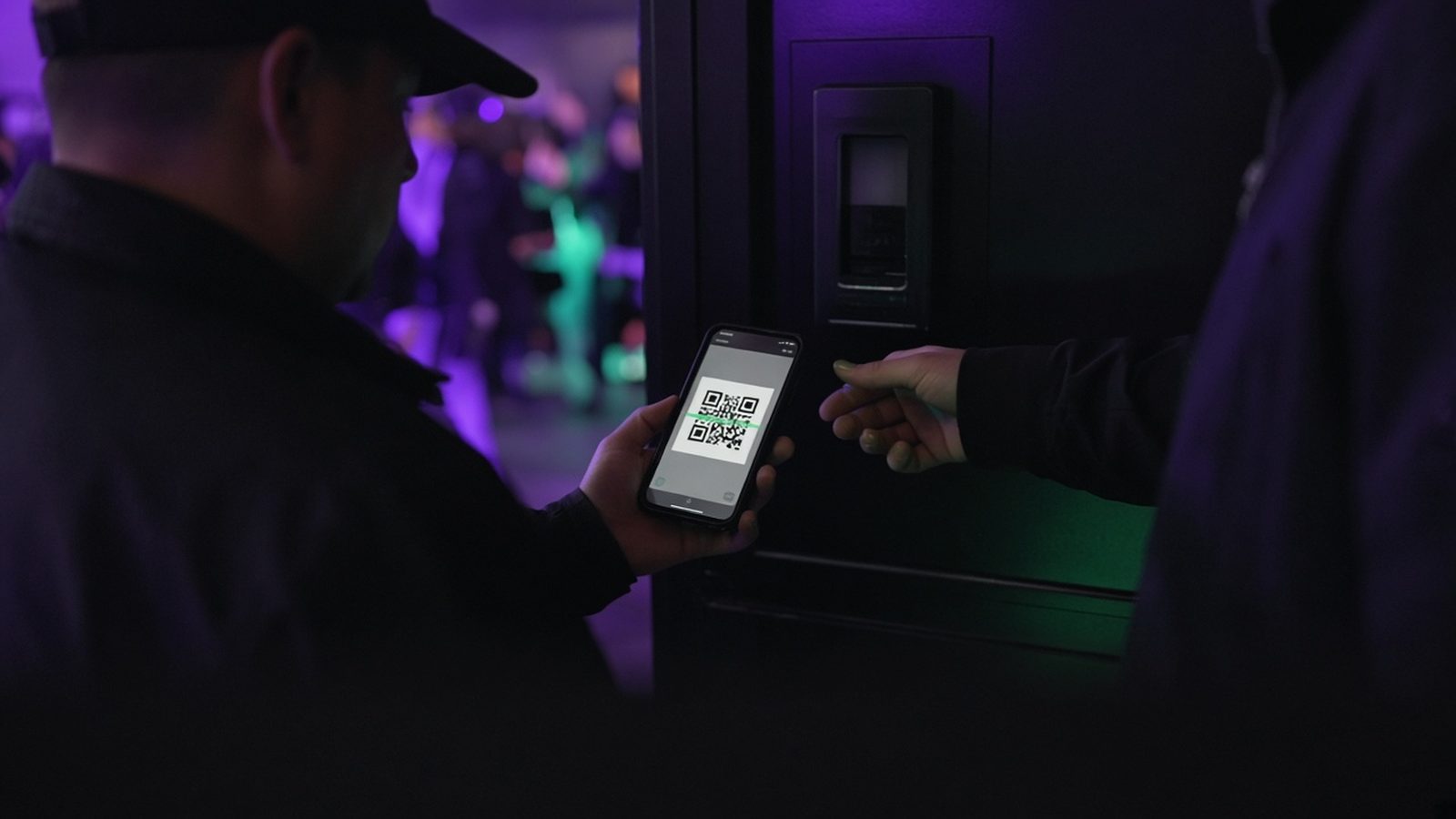
- QR tickets checked; each TickTap ticket can only be scanned once
- Backup buyer list to hand
- Anyone who can't find their ticket pointed to find my ticket
- Capacity tracked and never exceeded
During
- Keep to the running order, or adjust calmly
- Take photos and short clips for next time (let people know you're filming)
- Keep an eye on safety and wellbeing in the room
- Announce the next event before people leave
Close
- Pay acts as agreed
- Help people get home safely: taxi numbers, last trains
- Pack down and leave the venue as you found it
- Check for lost property
After the event
- Thank-you post with photos, tagging acts and the venue (with permission)
- Ask attendees to leave a review
- Thank staff, volunteers and suppliers personally
- Settle any outstanding bills
- Compare actual costs and income with your budget
- Note what went well and what to change
- Announce the next date
Tips for using this checklist
Every event is different, so treat this as a starting point. Delete what doesn't apply, add things specific to your event, and keep your own version for next time. After each event, add anything you wished you'd remembered. Over a few events, you'll build a checklist that fits the way you work perfectly.
The biggest time-savers are usually the boring ones: having everything in writing, keeping one ticket link for all your promotion, and sorting your door plan in advance. If you haven't already, see our guide to selling tickets for your event online.
Frequently asked questions
How far in advance should I plan an event?
For most local events, around six weeks gives you time to book everything, get tickets on sale and run several waves of promotion. Bigger or seasonal events benefit from longer.
What should I bring on the night of an event?
A printed running order and buyer list, charged phones and power banks, and a kit bag with tape, cable ties, pens, scissors, extension leads, a first aid kit and bin bags.
What should I do after an event?
Post a thank-you with photos, ask for reviews, thank your team and suppliers, settle bills, compare costs with your budget, note what to change and announce the next date.
Can I reuse this checklist?
Yes. Treat it as a starting point: remove what doesn't apply, add what's specific to your events, and update it after each event.