
Being turned away at the door because your ticket is fake, or has already been used, is a horrible way to start a night out. Ticket scams are often aimed at people who've missed out on a sold-out event and are desperate for a way in. Here's how to spot the warning signs and buy tickets safely.
Buy from the official source first
The safest place to buy a ticket is the official one: the event organiser, the venue, or the ticket site they've chosen. To find it:
- Check the venue's or organiser's own website and social media for the ticket link.
- Use the link from the official event page, rather than searching and clicking the first ad you see.
- Check the web address carefully. Scam sites sometimes use names that look very similar to real ones.
Common warning signs
Be cautious if you see any of these:
- Tickets for an event that has sold out officially, offered by a stranger on social media.
- Pressure to pay quickly: "loads of people want these, pay now or they're gone".
- A request to pay by bank transfer, or using "friends and family" payment options that may not protect you if something goes wrong.
- A price that seems too good to be true for a popular event.
- A seller who won't answer simple questions or gets defensive about how they got the tickets.
- New or empty social media profiles, or profiles with comments turned off.
- Screenshots or photos of tickets sent as "proof". These are easy to copy and can be sold to several people at once.
Why screenshots aren't proof
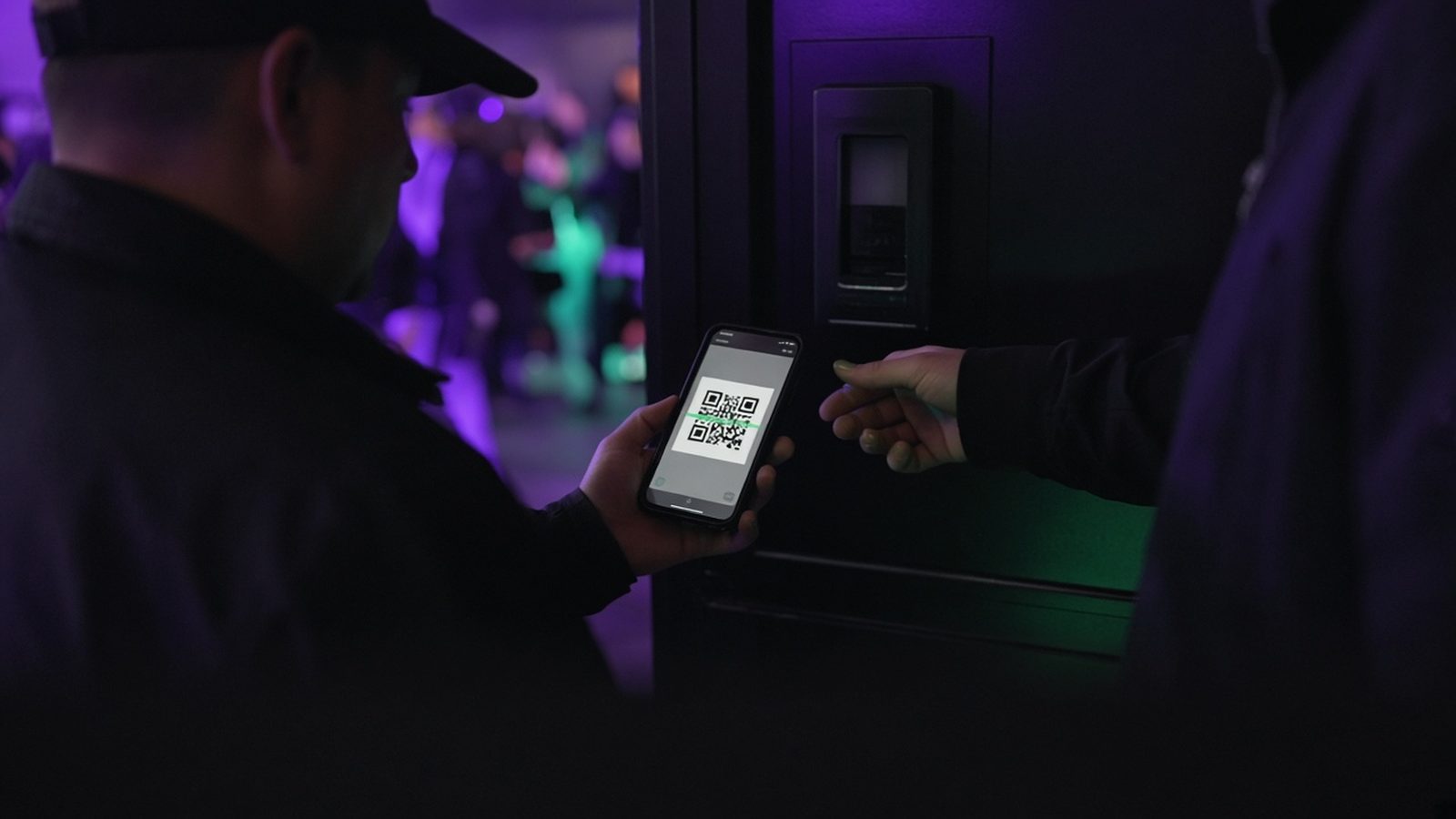
Many tickets are now digital with a QR code. Each ticket's code is checked at the door, and on many systems, including TickTap, each code can only be scanned once. If someone sells the same screenshot to five people, only the first one through the door gets in. That's why buying a screenshot of a ticket from a stranger is risky, however real it looks.
Pay safely
How you pay matters as much as where you buy:
- Paying by card through an official ticket site generally gives you more protection than a bank transfer to a stranger.
- Avoid paying a stranger by bank transfer. Once the money's gone, it can be very hard to get back.
- Never share your card details in a message or over the phone with someone selling tickets on social media.
- Check the total, including any booking fee, before you pay. On TickTap, the booking fee is shown before you pay.
If you can't go, use the proper route
If you've bought a ticket and can't make it, check the organiser's or ticket site's policy before selling it on. Some events allow transfers or resales through official routes; others have their own rules. On TickTap, check the refund policy to see what applies.
When you buy on TickTap
When you buy through TickTap, you don't need an account or a password. You pay on a secure checkout, the booking fee is shown before you pay, and your ticket arrives straight away with its own QR code. If you lose your ticket email, you can get it again using find my ticket. You can browse events to see what's on.
Questions to ask before buying from someone else
If you do decide to buy a ticket from another person, ask a few questions first. Where did they buy it? Can they show you the original confirmation email with the event details? Does the event allow tickets to be transferred? Is there an official resale route? A genuine seller will usually be happy to answer. If you get vague answers, pressure or excuses, walk away. Missing an event is disappointing, but losing your money and still missing it is worse.
Keep your own ticket safe
It's not just about buying. Protect the tickets you already have:
- Don't post a photo of your ticket on social media. Someone could copy the QR code and use it before you arrive.
- Only share your ticket with people you're actually going with.
- Keep your ticket email somewhere easy to find before the event.
What to do if you think you've been scammed
- Contact your bank or card provider as soon as possible and explain what's happened.
- Report it to Action Fraud, the UK's national reporting centre for fraud and cybercrime (or to Police Scotland if you're in Scotland).
- Report the seller's profile or listing to the social media platform or website.
- Keep screenshots of messages, adverts and payment details as evidence.
- Let the event organiser know, in case others are being targeted too.
If you're not sure whether a ticket is genuine, contact the event organiser or the ticket site directly using contact details from their official website, not details given to you by the seller. For TickTap tickets, you can contact us.
Safe ticket buying checklist
- Buy from the organiser, the venue or their official ticket site
- Check the web address carefully
- Don't trust screenshots as proof
- Pay by card through a proper checkout, not bank transfer to a stranger
- Check the full price, including fees, before paying
- Never post your own ticket online
- Report scams to your bank and Action Fraud
Frequently asked questions
How can I tell if a ticket is fake?
You often can't tell from a screenshot, so the safest approach is to buy from the organiser, the venue or their official ticket site. Be wary of strangers on social media, pressure to pay quickly and requests for bank transfers.
Is it safe to buy tickets from someone on Facebook?
It carries risk. Screenshots can be sold to several people, and bank transfers are hard to recover. Check whether the event has an official resale route instead.
Why shouldn't I post a photo of my ticket?
Someone could copy the QR code and use it before you arrive. On systems where each code can only be scanned once, that could stop you getting in.
What should I do if I've been sold a fake ticket?
Contact your bank or card provider straight away, report it to Action Fraud (or Police Scotland in Scotland), report the seller to the platform, keep evidence and tell the event organiser.